What is Smart Controller Compatibility?
This article provides details on which DJI Smart Controllers work with the DroneDeploy flight app. Newer DJI Enterprise Controllers released after 2023, such as the DJI RC Pro, DJI RC Plus, and RC Plus 2, are the only controllers that work with the DroneDeploy flight app. The controller that comes standard with the Anzu Raptor is also supported.
Older DJI Drones and Controllers
Older DJI drones often do not work with the DroneDeploy flight app.
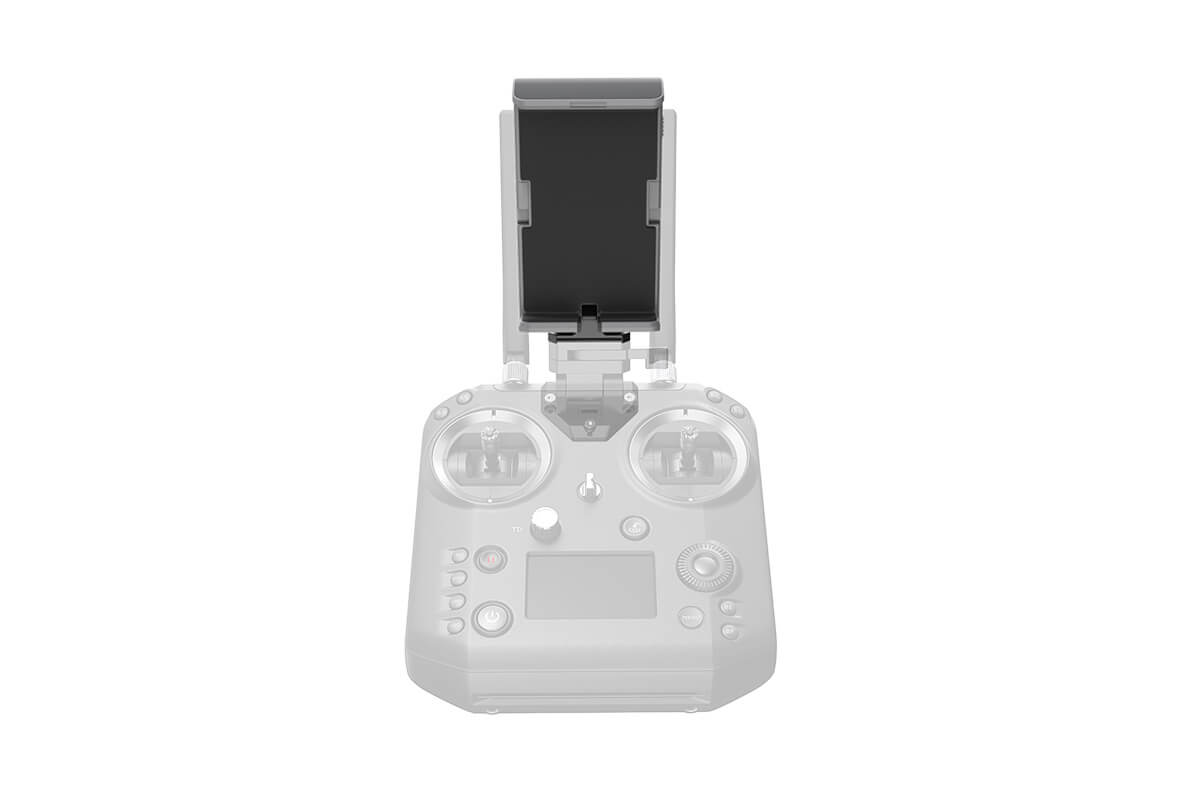
To use a Cendence Controller with a Crystal Sky monitor (for M210 or Inspire 2 drones), you must replace the Crystal Sky mounting bracket with a mobile device holder and a supported device.
Inspire 2/Cendence Remote Controller Mobile Device Holder
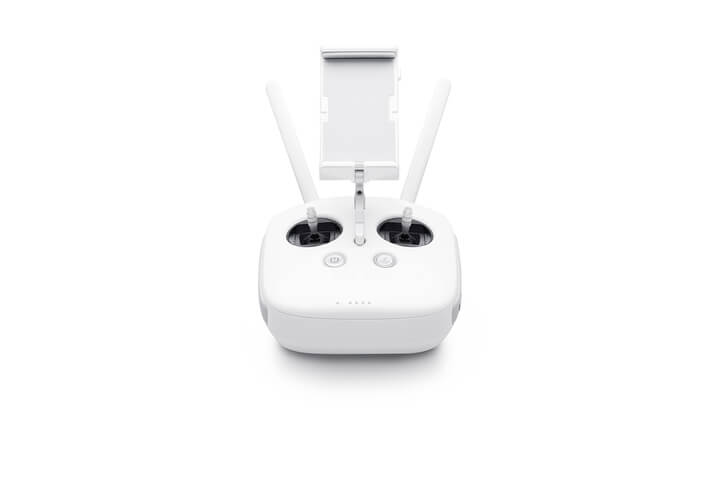
The Phantom 4 Pro Plus Smart Controller and Mavic 2 Smart Controller are not compatible. To use DroneDeploy for flight with these drones, you must purchase a standard controller with a mobile device mount. For the Phantom 4 Pro V2, you must purchase a specific DJI GL300L remote.
Controller for the Phantom 4 Pro (without monitor)
Controller for the Phantom 4 Pro v2.0 (without monitor)
Mavic 2 Smart Controller
The Mavic 2 Smart Controller is not compatible with DroneDeploy. The integrated screen comes pre-installed with DJI Go 4 for the Mavic 2 Pro and DJI Pilot for the Mavic 2 Enterprise. You can use these apps for flights. To use DroneDeploy for flight, purchase a standard Mavic 2 controller with a mobile device mount. Once you've paired the new controller with your drone, you'll be ready to fly.
You will need: DJI Mavic 2 Pro / Zoom RC1A/RC1B Controller.
Note: DJI does not readily sell this controller and must be bought secondhand.
Using DroneDeploy Without the Flight App
If you have an unsupported drone and cannot use the DroneDeploy flight app, you can still use the general DroneDeploy platform. You can upload data such as imagery for orthomosaics, 3D models, progress photos, and videos.
2.1